

Quick Answer: How to Contact Afterpay
The fastest way to reach Afterpay support is through in-app messaging, which is available 24/7. If you prefer speaking to a live person, you can use the official phone support lines during their active hours.
- Afterpay US Phone Number: +1 833-844-8095 (8:00 AM – 9:30 PM EST)
- Afterpay Canada Phone Number: +1 833-918-6111 (8:00 AM – 9:30 PM EST)
- Global Support: Use the help section in the Afterpay app or the official Help Center contact form if you cannot log in.
When something goes wrong with your Afterpay account, you want help without wasting time. Maybe your payment failed. Maybe your refund is not showing. Maybe you cannot log in, and now you’re stuck trying to find the real support option.
That can get frustrating fast. Search results may show phone numbers, contact pages, “live person” tricks, social media pages, and support links that may or may not be safe.
This guide covers the official ways to contact Afterpay customer service, including in-app messaging, phone support, the Help Center contact form, callback options, complaint form, email-related options, and what to check before sharing any account details.
Best Ways to Contact Afterpay Customer Service
Afterpay has a few support options. The best one depends on your issue, your country, and whether you can access your account.
| Contact Option | Best For | What to Know |
|---|---|---|
| Afterpay app messaging | Most account questions | Go to My Afterpay, Help, then New Conversation |
| Help Center contact form | Users without the app or login access | Use the official Afterpay Help Center form |
| Phone support | US and Canada users who want to call | US: +1 833-844-8095, Canada: +1 833-918-6111 |
| Callback request | Australia, New Zealand, Canada, and some support cases | Request it through the app or contact form |
| Help Center articles | Quick common answers | Good for payments, refunds, login, orders, and account questions |
| Complaint form | Formal complaints | Use when a normal support issue still needs review |
| Email options | Special cases only | Some emails are for specific needs, not normal customer support |
| Social media | General brand updates | Do not share account or payment details there |
For most users, the Afterpay app is a good starting point to keep the support request tied to your account, which can help when the issue is about payments, orders, refunds, login or account access.
The Help Center can also save time. Sometimes the answer is already there, especially for commonly asked questions about payment dates, refunds, failed payments, order problems and account access.
If you’re having trouble logging in, check out our Afterpay login guide, which covers solutions to common errors.
How to Message Afterpay Through the App
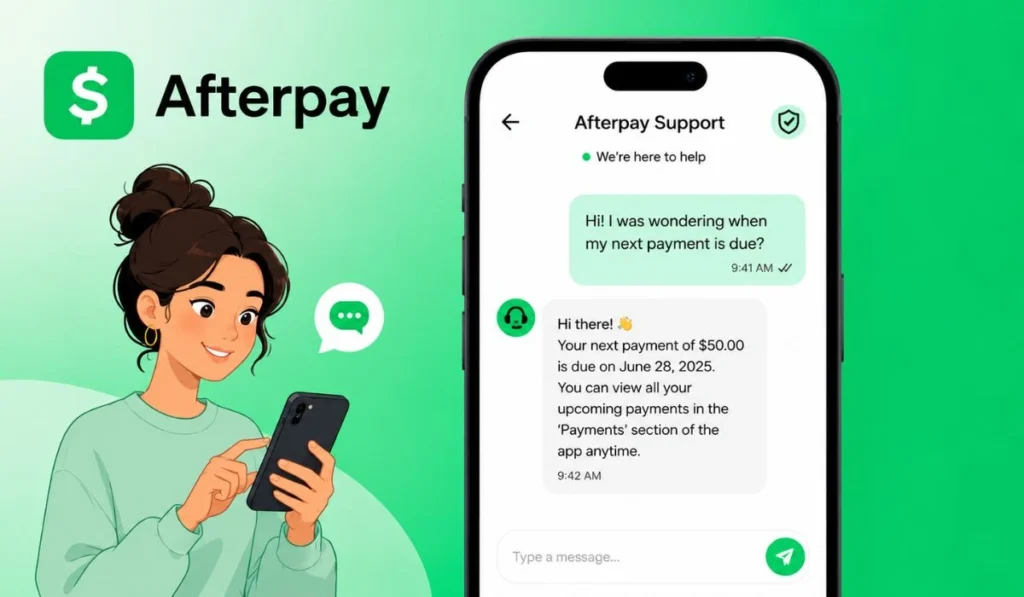
In-app messaging is Afterpay’s main support option for many users. It is also the support method that Afterpay lists as available 24 hours a day and 7 days a week.
Here’s the path:
- Open the Afterpay app
Start from the app on your phone. Don’t open support through a random text message or email link. - Tap My Afterpay
This is the account area. You should find account tools and help options there. - Tap Help
The Help section may show articles first. That’s normal. Some issues can be answered without starting a support request. - Tap New Conversation
This starts a message with Afterpay support. Use it when you need help with your own account issue.
This is simple, but it matters. If you start in the official app, you reduce the risk of landing on a fake login page or a fake support form.
How to Contact Afterpay Without the App
If you don’t want to use the app, Afterpay says you can complete a contact form in the Help Center. This can help if you are locked out, do not have the app installed or need another way to send a support request.
Always keep your message short and straightforward. Avoid writing everything in one giant paragraph. Just explain what happened, when it happened, and what you already checked.
For example, instead of saying, “My refund is not working” you could say:
“My merchant says my refund was processed, but my Afterpay payment schedule has not updated.”
That gives support a better starting point. Small detail, but it helps.
If your refund has been processed by the store but is not reflected in Afterpay, check out our Afterpay Refund Process Guide.
Can You Call Afterpay Customer Service?
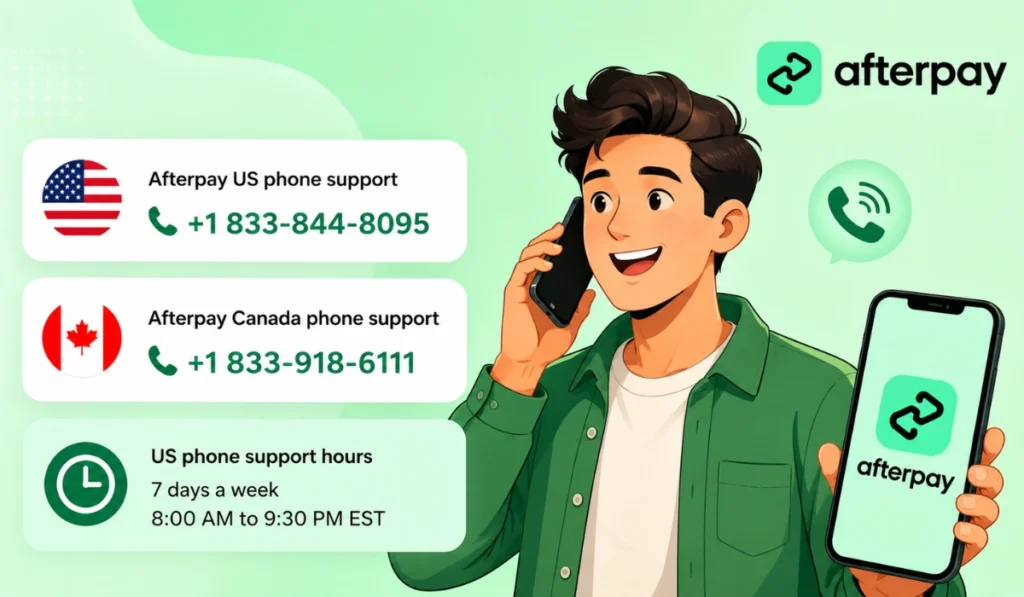
Yes, Afterpay lists phone support for US and Canada customers.
- Afterpay US phone support: +1 833-844-8095
- Afterpay Canada phone support: +1 833-918-6111
For US phone support, Afterpay lists hours as 7 days a week from 8:00 AM to 9:30 PM EST.
Phone support is available if you would rather speak to someone. It may also feel easier if your issue is hard to explain in a message.
Just don’t grab a number from a random website and call it right away. I know that sounds basic, but fake support numbers are common with payment apps. Before calling, check that the number matches the official Afterpay Help Center.
My Pro Tip: If you’re using phone support, try to call midweek (Tuesday or Wednesday). Wait times are the shortest on these days. If using app messaging, include your Order ID in the message beforehand so the support agent can get started immediately.
Australia and New Zealand Phone Support
For Australia and New Zealand, Afterpay’s official Help Center pages focus on requesting a callback instead of listing a direct public phone number on the call support page.
For Australia, Afterpay says users can request a callback by messaging through the Help section of the Afterpay app. Their listed callback timeframes are 10:00 AM to 7:00 PM AEST, Monday to Friday; 9:00 AM to 4:00 PM AEST, Saturday and 10:00 AM to 2:00 PM AEST, Sunday.
New Zealand users can call back via the app or the contact form, Afterpay says. Callback hours listed are from 10 AM to 8 PM NZDT Monday to Friday, 11 AM to 6 PM NZDT Saturday and 12 PM to 4 PM NZDT Sunday.
You may see Australia or New Zealand phone numbers on third-party pages, but be careful. If the number is not shown on official Afterpay Help Center page, check it before calling.
Is Afterpay Customer Service 24/7?
Afterpay app messaging is listed as available 24 hours a day and 7 days a week. So if you want to send a message through the app, you can start that support request anytime.
Phone support is different. For US phone support, Afterpay lists hours as 8:00 AM to 9:30 PM EST, 7 days a week.
So, app support and phone support are not the same thing. This is where people get mixed up. If you search “Afterpay phone number 24/7,” be careful. App messaging may be 24/7, but phone support has its own hours.
Can You Request a Callback From Afterpay?
Yes, in some regions, Afterpay says you can request a callback from the support team. The usual way is to message support through the Help section of the Afterpay app and request to speak with someone.
This is especially important for countries like Australia and New Zealand, where the official Help Center call pages point users toward callback requests instead of a public direct phone number.
If you do not have the app, Afterpay says you can use the contact form. Still, callback timing can depend on your region, support hours, busy periods, and holidays. So don’t assume it will always be instant.
Does Afterpay Have a Customer Service Email?
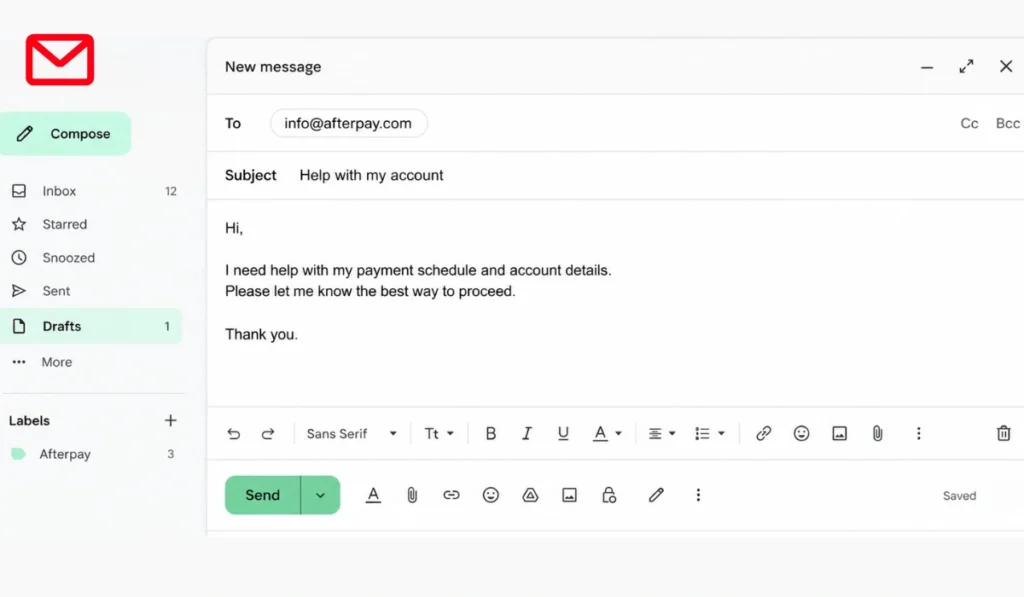
Afterpay mainly points users to app messaging, phone support where available, the Help Center contact form, and Help Center articles. A general public customer service email is not shown as the main support method on the US support page.
Some email addresses are associated with special cases. For example, an official Afterpay article on appointing a third party states that customers may contact Afterpay through the app or at info@afterpay.com with a completed Letter of Authority form. It also lists financial.counsellors@afterpay.com for financial counselors helping customers in financial difficulty.
For phishing emails, Afterpay says suspicious emails can be reported to reportphishing@afterpay.com by attaching them as .eml files.
So yes, some Afterpay emails exist. But for standard customer service, the safer route is still the official app, the Help Center form, or the listed phone support.
Can You Contact Afterpay on Social Media?
Afterpay may have official social media pages, but social media is not the best place for account-specific help. It is fine for general updates, brand posts, or public information. But it is not where you should post private account details.
Do not share your order number, payment dates, email, phone number, card details, screenshots with personal info, or verification codes in public comments. Even if a page looks official, public comments are not private support.
If you message a social media page, make sure it is the real verified Afterpay page. Still, for payment, refund, login, account access, or order problems, the official app, Help Center form, or phone support is safer.
Can You Talk to a Live Person at Afterpay?
If phone support is available in your country, you may be able to talk to a live person during phone support hours. For US customers, the listed phone number is +1 833-844-8095.
You can also message Afterpay through the app and request help. In callback regions, the support team may call you back during phone support hours after you request it through the app or contact form.
Be careful with pages that promise an “Afterpay live person” through a different number. Scammers know people search for that phrase. Some fake pages are made only to collect passwords, card details, or verification codes.
How to Make a Complaint About Afterpay
If a regular support submission does not solve your problem, Afterpay also has a complaint form. This is different from asking a quick support question.
Afterpay’s US Help Center says users who want to make a complaint should submit a form and provide as much detail as possible so the issue can be reviewed.
Use a complaint form when the issue is more serious or still unresolved after normal support. For example, you may want to file a complaint if you already tried to fix a billing issue, refund problem, account concern, or support matter and still need it reviewed.
Try to explain the complaint clearly. Include what happened, when it happened, what support steps you already tried, and what result you are looking for. Do not include passwords, full card numbers, or verification codes.
When Should You Contact Afterpay Support?
Not every small question needs a support ticket. Sometimes the app or Help Center article gives enough information. But for account-specific problems, support may be needed.
You may want to contact Afterpay customer service if:
- A payment failed and you do not know why
- A refund was processed by the store but does not show correctly
- You cannot log in to your account
- Your phone number or account access needs help
- Your order was declined and you need account-specific details
- Your account is locked or restricted
- Your payment schedule looks wrong
- You received a suspicious Afterpay text or email
- You need hardship or financial difficulty support
- You want to file a formal complaint
If your issue starts with a store, such as a return or missing order, contact the store first. If the store already handled its part and your Afterpay account still looks wrong, then Afterpay support may be the next step.
What Information Should You Have Ready?
Before you contact support, gather the basic details. This can make your message easier to understand.
You may need:
- Email or phone number linked to your Afterpay account
- Merchant or store name
- Order date
- Payment date
- Refund or return confirmation
- Short description of the problem
- Screenshot of an error message, if needed
Only share these details through official Afterpay support channels. Do not post account details in comments. Do not send them to random pages. And never share your password or verification code.
A good support message is simple. Say what happened, what you expected, and what you already checked.
Be Careful With Fake Afterpay Support Numbers
Fake support numbers are a real risk. Scammers target people who are stressed about payments, refunds, or locked accounts. They know you want a fast answer.
Watch for these warning signs:
- A random website claims to be official Afterpay support
- The number does not match the official Help Center
- Someone asks for your password
- Someone asks for a verification code
- A “support agent” asks for full card details
- A text or email pushes you to click a login link
- The page has strange wording or odd branding
If something feels off, stop. Open the official Afterpay app or Help Center yourself. It is better to take an extra minute than risk your account.
Also remember this: Afterpay should not ask for your password or one-time passcode through a random phone call, email, or social media message. If someone does, treat it as a warning sign.
FAQs About Contacting Afterpay Customer Service
How do I contact Afterpay customer service?
You can easily contact Afterpay through the official app, via the Help Center contact form or via phone support, where available. In the app, go to My Afterpay, tap Help then choose New Conversation.
What is the Afterpay customer service number?
For US customers, Afterpay lists +1 833-844-8095. And for Canada, Afterpay lists +1 833-918-6111. Always check the official Help Center before calling because contact details can change.
Can I talk to a live person at Afterpay?
If phone support is available in your country then you may be able to talk to a live person during support hours. In some regions, Afterpay directs users to request a callback through the app or contact form.
Is Afterpay customer service available 24/7?
Afterpay app messaging is listed as available 24/7. Phone support has separate hours. For US customers, phone support is listed as 8:00 AM to 9:30 PM EST, 7 days a week.
How do I message Afterpay in the app?
Simply open the Afterpay app, tap My Afterpay, tap Help, then tap New Conversation. That starts support messaging inside the official app.
Does Afterpay have a customer service email?
For regular customer support, Afterpay mainly points users to the app, contact form, Help Center and phone support where available. Some emails exist for special cases such as reportphishing@afterpay.com for phishing reports and financial.counsellors@afterpay.com for financial counselors.
What if I cannot log in to contact Afterpay?
Only use Afterpay Help Center contact form. Do not click random login help pages or support links from suspicious texts and emails.
Can I email Afterpay directly for a refund?
No, Afterpay prefers in-app messaging or their contact form for refunds. Email is mostly for phishing reports or legal issues.
Why is Afterpay phone support not picking up?
You might be calling outside of their listed hours (8 AM – 9:30 PM EST). Try app messaging for a faster response during off-hours.
Final Thoughts
The safest way to get help is always through the official Afterpay app or their verified Help Center. Whether you are calling the US support at +1 833-844-8095 or messaging 24/7 in-app, make sure you never share your password or security codes with anyone.
Need more help? If your issue is specifically about a payment decline or a technical glitch, check out our detailed guide on Afterpay Not Working for instant fixes.
Still stuck? Drop a comment below with your issue, and let’s figure it out together!