

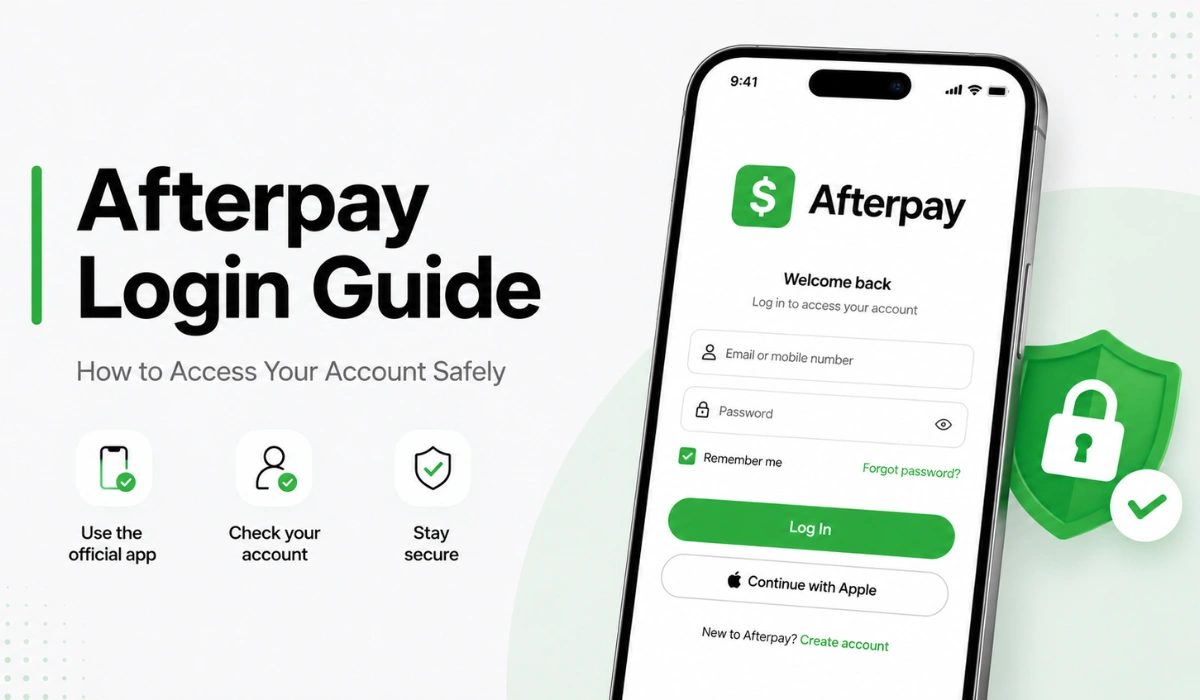
Quick Answer: Please login to Afterpay using the official Afterpay app or website. Avoid clicking on links in unsolicited texts, emails or pop-up windows. Once you log in to your account, you can view your orders, payment dates, account settings, and payment methods.
People look up the Afterpay login to see the payment, check out an order, update card details or check what’s going on with their account. That makes sense. When you’re using Afterpay, then most of the important stuff is managed in the account.
But login pages are also well-known Afterpay scams. If a fake message claims your payment failed or that your account was blocked, it will coax you into clicking a login button. That is very risky.
This guide will provide you with tips on a safe sign-in process for Afterpay, how it typically works and what to do if its sign-in process is not working as expected, and how to avoid fake sign-in pages.
If you receive a strange payment message or login link, read our Afterpay text scam guide before clicking anything.
What is the Afterpay login used for?
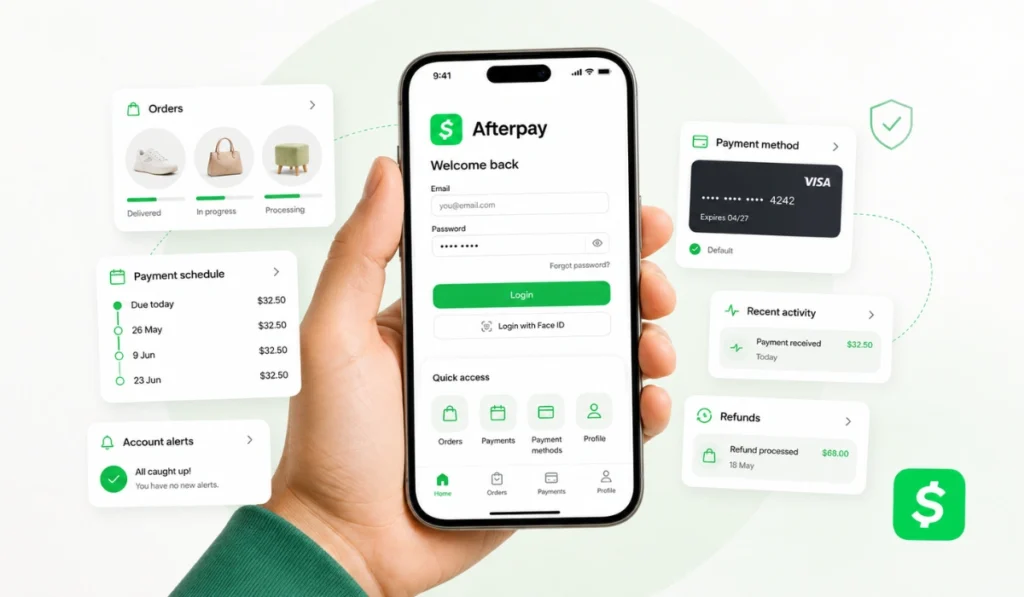
Afterpay login allows you to log into your Afterpay account. After sign up, you will most likely be able to see your orders, upcoming payments, payment methods, and account activity.
The majority of users log in for basic purposes such as:
- Viewing orders currently on order or orders that have been placed.
- Reviewing the planned payments
- Managing payment methods
- Reviewing account settings
- Monitoring refunds and/or order activity
- Checking account alerts
- Updating information on profile (if any)
If you can’t get the concept across any better than that, your Afterpay account is the place you’ll visit to learn more about your payments and purchases. It shouldn’t be accessed via random links or unofficial pages.
Where Should You Log In to Afterpay?
Log in via the official Afterpay app or official Afterpay website. These are the places where you are the safest to access your account.
Be cautious of any text or e-mail that requires you to log in. Never click on links in messages that appear to be urgent. Download the app directly from your phone or visit the official site.
That’s important because phishing emails can appear authentic. Some scam pages mimic logos, colors and words. If you enter your email, password, phone number or verification code on a fake page, you might be in danger of having your account compromised.
The safe habit is really as easy as opening Afterpay yourself. Don’t fall for a random message that won’t take you there.
How to Log In to Afterpay Safely
Logging in is not hard to do, but it must be done carefully. While the exact screen may vary from time to time, the safe procedure remains the same.
Step 1: Open the Official App or Website
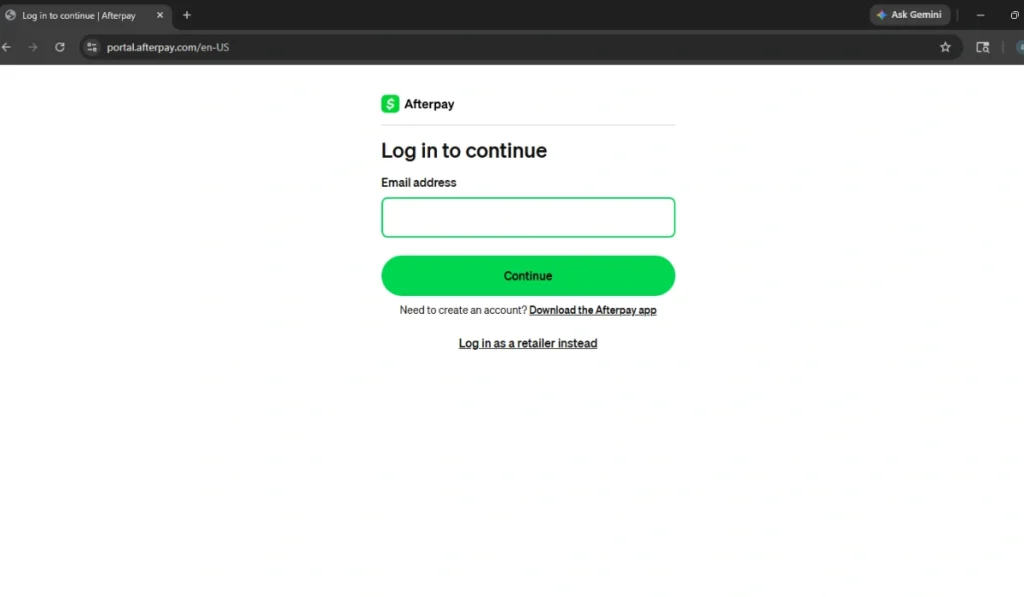
First of all, launch the official Afterpay app on your smartphone or go to the official Afterpay website. Don’t open emails from suspicious links.
If you are using a browser, when you are about to enter any account information please ensure the web address is correct. If the page appears unusual or has spelling mistakes or a strange domain, close it.
Step 2: Use Your Account Email or Phone Number
Depending on the current sign-in process, Afterpay might require your email address, phone number, password or other login information. Ensure you use the details linked to your real-time account with Afterpay.
Never enter information into a site that does not clearly indicate it is official. Additionally, don’t put your logon information in a comment, contact form, email reply or message.
Step 3: Complete Any Verification Step
You might have to go through a verification process – this could include typing in a number sent to your phone or email address. This is to help verify that you are the account owner.
Never give a verification code to another person. When someone or a message requests your code, it’s a red flag. Verification codes are intended for use with your login.
Step 4: Check Orders and Payments After Login
After logging in, see what you’re looking for. Check your orders, payment schedule, payment alerts and payment method.
If you have logged into receive a message indicating that your payment had failed, verify if your account has the same problem. If you don’t see any abnormality in your account, the message could have been fraudulent.
Afterpay App Login vs Website Login
Afterpay is available on the app or website. The best choice will be based on what you want to achieve.
| Login Option | Best For | What to Know |
|---|---|---|
| Afterpay app | Mobile users, quick checks, payment reminders | Good for checking orders and payments from your phone |
| Afterpay website | Desktop users or browser access | Helpful if you prefer using a computer |
| Store checkout login | Completing an eligible purchase | Use only through a trusted retailer checkout |
The app is great for beginners as it provides all the orders, payments and reminders in a single location. If you are already shopping online, the website may still be beneficial.
Can You Log In to Afterpay With a Phone Number?
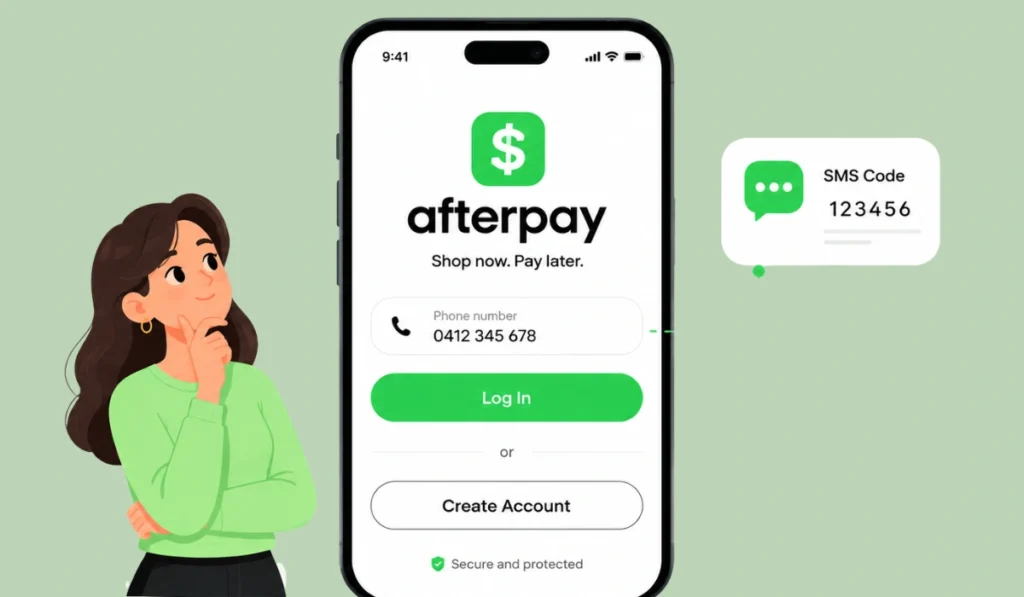
Your email address, phone number, password or code may be required for your Afterpay login. This login process may vary based on your account and the app or website you are using.
One can assume that Afterpay would send a verification code to the phone number linked to your online account. This might be an issue if you changed your number and no longer have the code in your possession.
When you are unable to log in, call the official Afterpay Hotline on their app or website. Never click on links you don’t know or recognize in text messages or emails.
What If You Forgot Your Afterpay Password?
In case there is a need to change your Afterpay password, only do so via the official Afterpay app and/or the official Afterpay website. Never use a password reset link that is sent from someone you don’t know.
The normal reset procedure will request your email account and after that a confirmation code for the phone number associated with your account. You might then be able to set up a new password.
Pick a password that is different from other places you use it. I do know, that it’s simpler to re-use a single password, but issues may arise if another account is hacked. Also, don’t give your password to anyone who says they can help.
Why Is Afterpay Login Not Working?
There are various reasons that may cause issues when logging in to Afterpay. It can sometimes be just a simple typing error. Or the app requires an update on some occasions. Sometimes, the issue is the phone number, password or verification code.
| Login Problem | What to Check |
|---|---|
| Wrong password | Use the official password reset option |
| Verification code not received | Check phone number, email, signal, and spam folder |
| App login issue | Update the app, restart phone, and check internet |
| Website login issue | Try another browser or clear browser cache |
| Old phone number | Use official account recovery or support |
| Account locked or restricted | Check official account notices or help options |
See how the these simple solutions work. Review spelling, internet connection and app version. In other situations, disconnecting the VPN will resolve odd behavior of the app.
When all else fails, use Afterpay’s official support channels. Avoid calling phone numbers that are found online, as there are risks involved in using fake support numbers.
Safe Login Tips for Afterpay Users
The security of the Afterpay login primarily involves avoiding fake pages. Scammers will try to send messages that appear urgent. They can tell you your payment was rejected, your account is suspended or needs to be updated.
Here are a couple of basic safety tips:
- Do not click login links from random texts or emails
- Open the official app yourself
- Type the website address manually if using a browser
- Never share verification codes
- Keep your password private
- Do not enter login details on unknown pages
- Check sender details before trusting account messages
- Be careful with “payment failed” or “account blocked” alerts
A real account issue can be checked inside your account. You do not need to click a strange link to find out.
When to Contact Afterpay Support
If you are unable to reset your password, no longer have access to your previous phone number, your account is locked, or your verification code isn’t working then you may need Afterpay official assistance.
Access support via the official Afterpay app or website. Avoid unconfirmed phone numbers provided by random websites, social posts or comment sections.
Also, avoid inputting personal information on an unofficial site. That means any screenshots or snapshots with credit card numbers, order numbers, verification codes, etc. or passwords.
FAQs About Afterpay Login
How do I log in to Afterpay?
Open the official Afterpay app or official website and use the login method shown there. Do not use login links from random texts or emails.
Can I log in to Afterpay with my phone number?
Afterpay may use your phone number for verification or account access depending on the login flow. If your number changed, use official Afterpay help.
Why can’t I log in to my Afterpay account?
Common reasons include wrong password, old phone number, missing verification code, app issues, weak internet, or account restrictions. Start with the official reset or help options.
What should I do if I forgot my Afterpay password?
Reset your password through the official app or website. Do not use password reset links from suspicious messages.
Is it safe to click an Afterpay login link in a text?
It is safer not to click unexpected login links. Open the official app or website yourself and check your account there.
Can I log in through the Afterpay app?
Yes, the Afterpay app is one of the main ways users can access their account, check orders, view payments, and manage basic account details.
Final Thoughts
Using the right place, the Afterpay login is straightforward. Open the official app or a website, log in with your real login procedure and access your orders, payments dates and account information from there.
The most important thing is safety. Avoid clicking on any links that you don’t know, don’t give out verification codes, and don’t give personal information to pages that don’t look right. If you cannot log in, talk to official support rather than anything you find on the internet.
Trying to log on via the Afterpay app or website? Leave a note below in the comment section and let people know where you are stuck.