

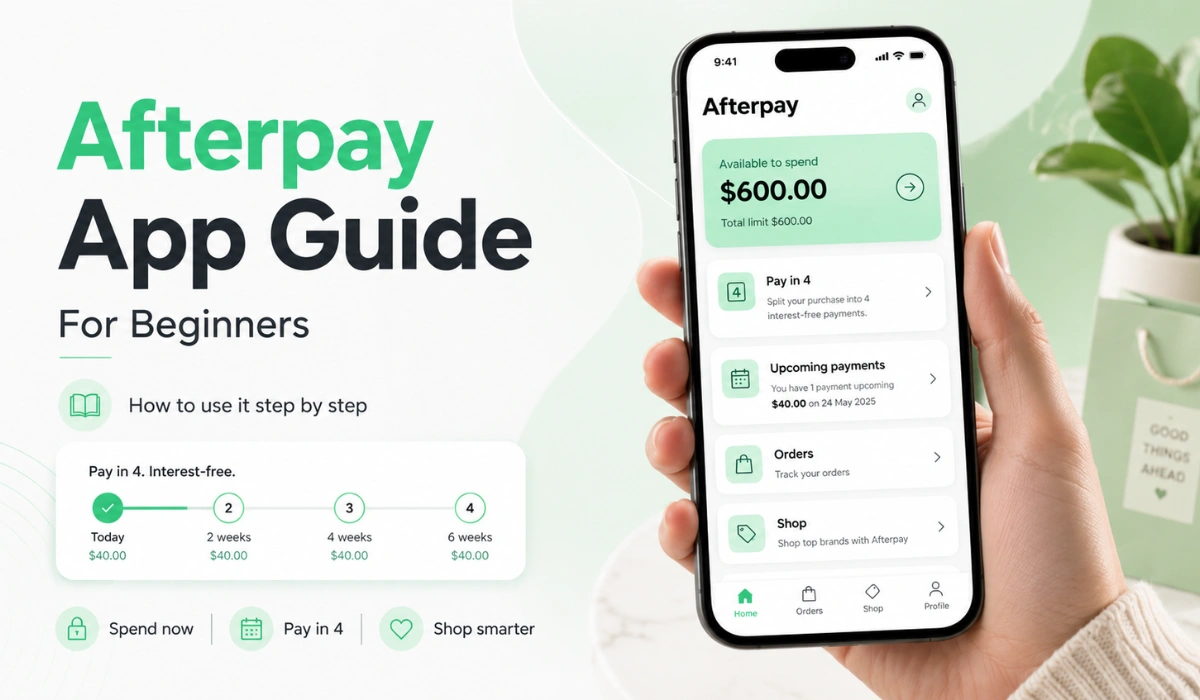
Quick Answer: The Afterpay app helps you shop with Afterpay, find stores, view orders, check payment dates, and manage your account from your phone. Beginners can use it to see where Afterpay may be available, track upcoming payments, and keep an eye on their Pay in 4 plans.
If you’re new to Afterpay, the app can feel a little confusing at first. You may open it and see stores, payment dates, order details, account settings, and maybe even in-store options. That’s a lot when you only want to know one thing: how do I use this without messing it up?
The good news is that the Afterpay app is not hard once you know what each part is for. It’s mainly a shopping and payment management tool. You can use it to browse participating stores, start a purchase, check your payment schedule, and manage basic account details. Still, it’s smart to go slowly the first time. Small payment plans can stack up fast if you don’t track them.
What Is the Afterpay App Used For?
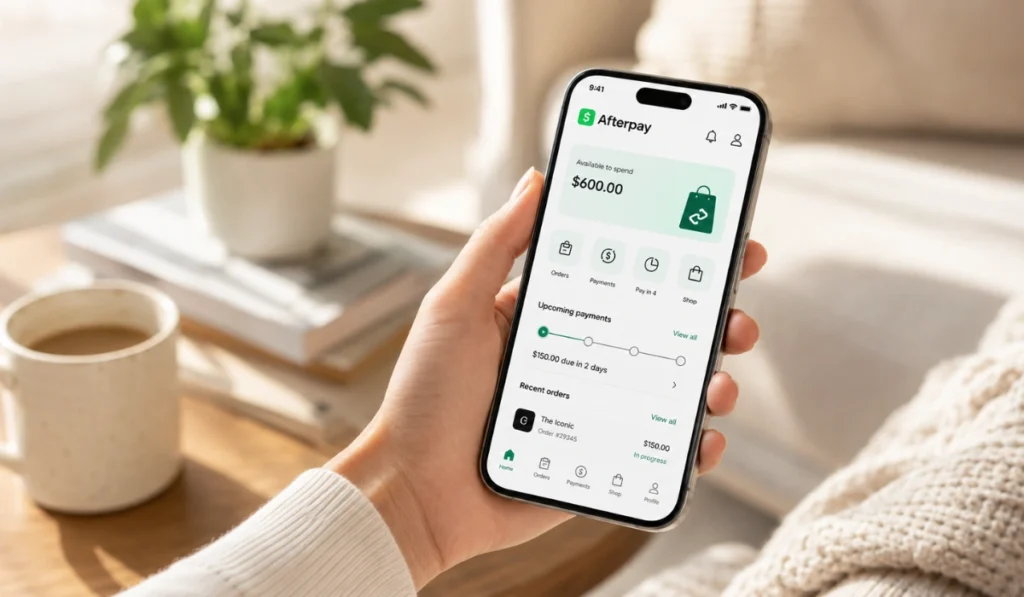
The Afterpay app is the mobile app for Afterpay users. It gives shoppers a place to manage their Afterpay activity from one screen. Instead of checking emails or trying to remember payment dates, you can open the app and see your orders, upcoming payments, and account details.
Many people use the app for a few simple reasons:
- Finding stores that may accept Afterpay
- Shopping through the app
- Viewing current and past orders
- Checking upcoming payment dates
- Managing payment methods
- Looking for in-store payment options
- Getting payment reminders and account alerts
A simple way to think about it: the app is your Afterpay control center. It does not mean every store will approve every order. It also does not mean you can use Afterpay anywhere. The app helps you manage Afterpay, but each purchase can still depend on the store, your account, and the checkout rules.
What You Need Before Using the Afterpay App
Before you use the Afterpay app, you’ll need a few basic things. Most users need a mobile phone, an email address, a phone number, and a valid payment method. You may also need to meet Afterpay’s account rules before you can make a purchase.
Download the app only from the official app store on your phone. For iPhone users, that means the Apple App Store. For Android users, that means Google Play. Be careful with random download buttons, third-party app files, or pages that look like Afterpay but feel off. That’s not worth the risk.
Here’s a quick beginner checklist:
- A phone that can run the app
- Your email address
- Your mobile number
- A payment method, such as a debit or credit card
- Access to the official app store
- A few minutes to review the setup screens
Don’t rush through setup. It’s better to understand what you’re adding and where payments may come from.
How to Download the Afterpay App Safely
Start by opening the official app store on your phone. Search for “Afterpay” and look for the real app listing. Check the app name, logo, and developer details before you install it. This part sounds simple, but fake or misleading pages can exist online, so it’s better to be careful.
Avoid downloading app files from random websites. You also should not enter your Afterpay login details on a page just because it claims to help you access the app. Use the app store, install the app, then open it from your phone like you would with any other trusted shopping or payment app.
Once the app is installed, keep it updated. Updates can fix bugs, improve account tools, and help the app work better with newer phone software.
How to Set Up the Afterpay App
After installing the app, open it on your phone. New users may need to create an account. Returning users can sign in through the official app. If the app asks for details, make sure you are inside the real Afterpay app before entering anything.
The setup flow can vary a little, but it usually follows this kind of path:
- Open the official app
Start from the app you downloaded from the Apple App Store or Google Play. Don’t use a random browser page that asks for your account details. - Create or access your account
New users may need to sign up with basic details. Returning users can sign in with their existing information. If you forget your login, use the official recovery option inside the app. - Add or check your payment method
Afterpay needs a payment method for scheduled payments. Review the details carefully because this is where future payments may be charged. - Review your account screen
After setup, look around the app before shopping. Check where orders, payments, stores, and account settings appear. It helps later.
This matters because a lot of beginner mistakes happen from moving too fast. People add a card, buy something, then forget when the next payment is due. Take a minute and look at the app first.
How to Shop With the Afterpay App
Before placing your first order, it helps to understand how Afterpay works so you know how payments are split, when the first payment may be due, and what to check at checkout. You can search or browse brands inside the app, then follow the store’s shopping flow. If Afterpay is available for that store and order, you may be able to choose it as the payment option at checkout.
The main thing to remember is that store availability can change. A few stores may support Afterpay online but not in store. Some orders may not qualify. Some items may have checkout limits or restrictions. So even if you see a store in the app, always check the final checkout screen before assuming Afterpay will work.
Before you place an order, review:
- The total order amount
- The first payment due
- Future payment dates
- The payment method being used
- The store’s return or refund rules
That last one matters more than people think. If you return something, the merchant and Afterpay process can both matter. So don’t ignore store policies.
Can You Use the Afterpay App In Store?
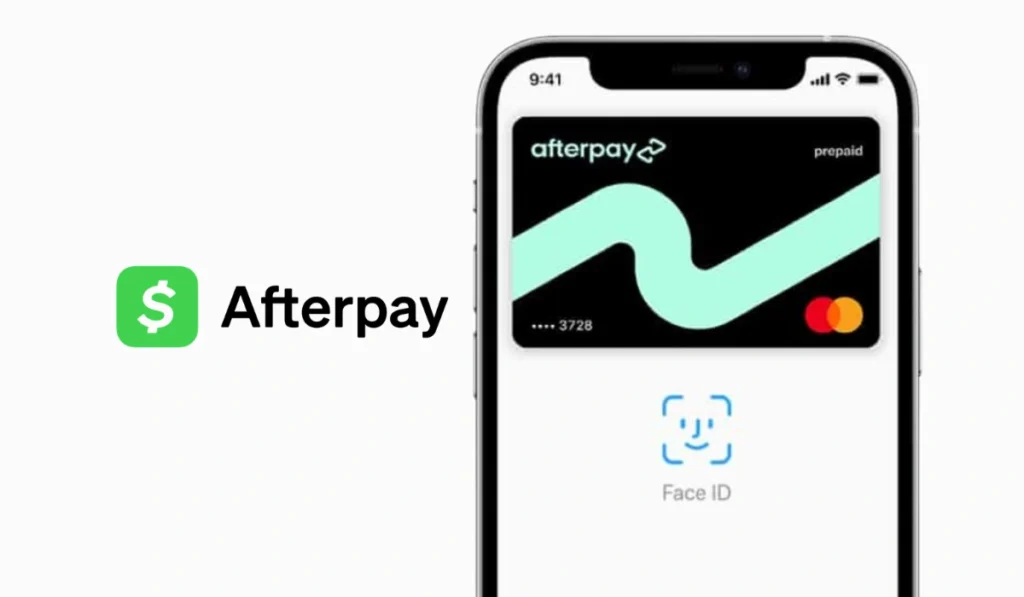
In some cases, yes, you may be able to use Afterpay in store. This often depends on the store, your account, and the payment option available in the app. Some users may see an Afterpay Card or virtual card option that can be added to a mobile wallet.
But don’t assume it works at every register. In-store use is one of those areas where details can vary. A store may accept Afterpay online but not at a physical location. Another store may support it only through certain checkout systems.
A good habit is to check the app before leaving home. Search for the store, review the available payment options, and confirm at checkout. If the option is not shown, that purchase may not support Afterpay.
How to View Payments and Orders in the Afterpay App
One of the most useful parts of the Afterpay app is the payment tracking area. After you make a purchase, the app can show your order details and upcoming payment schedule. This helps you know what is due and when.
Look for sections such as orders, payments, or account activity. The names may change over time, but the idea is the same. You want to see your active orders and future payment dates.
This is where the app can really help beginners. If you have more than one Afterpay order, don’t rely on memory. Open the app and check your schedule. A $20 payment here and a $35 payment there can become annoying if they hit close together.
You may also see past orders or refund activity. Refund timing can vary, so avoid guessing. If you returned an item, check the store’s return status and your Afterpay account activity.
Managing Payment Methods and Notifications
The Afterpay app may let you manage your payment methods and account settings. This can include checking which card is linked, updating payment details, or reviewing account information. If you change a card, make sure the new one is correct before a payment date arrives.
Notifications can also help. Payment reminders are useful if you forget dates easily. Not everyone likes phone alerts, sure, but missing a payment can be more annoying than getting a reminder.
A simple setup is best. Use a payment method you trust, keep your app updated, and turn on reminders if they help you stay organized. Nothing fancy. Just enough to avoid surprises.
Common Afterpay App Problems Beginners May See
The app may not always work the way you expect. Sometimes the issue is your phone. Sometimes it is in the store. Sometimes it’s your account or payment method.
| Problem | What You Can Check |
|---|---|
| App will not open | Check your internet, update the app, or restart your phone |
| Login does not work | Use the official app and try the official reset option |
| Store does not show Afterpay | The store or item may not support it |
| Payment does not go through | Check your payment method, balance, and account status |
| In-store option fails | Store rules, account limits, or virtual card issues may apply |
Try the simple fixes first. Update the app, check your connection, and make sure your payment method is current. If the problem is tied to your account, use official Afterpay help inside the app or website.
Simple Safety Tips for Using the Afterpay App
Use the Afterpay app the same way you would use any payment-related app. Be careful, even if you’re only browsing stores.
Here are a few safety tips:
- Download the app only from official app stores
- Don’t enter login details on random pages
- Avoid clicking suspicious text or email links
- Check payment dates before buying
- Keep your phone and app updated
- Use account help only through official channels
The app is meant to make things easier, but your account still needs care. If a message sounds urgent or strange, open the app yourself instead of clicking the link.
FAQs About the Afterpay App
Is the Afterpay app free to download?
The Afterpay app is generally free to download from official app stores. Payment terms, fees or account rules may still apply when you use Afterpay for purchases.
Do I need the Afterpay app to use Afterpay?
Not always. Some shoppers may use Afterpay directly at online checkout. The app is helpful for managing orders, the checking payments, browsing stores, and using certain mobile features.
Can I make payments in the Afterpay app?
The app may let you view and manage payment activity. Depending on your account options, you may be able to make or update payments through the official app.
Can I use the Afterpay app in stores?
You may be able to use Afterpay in stores where supported. Check the app and the store’s checkout option before assuming it will work.
Why is my Afterpay app not showing a store?
The store may not support Afterpay in your area, or it may not be available for that type of purchase. App listings and checkout options can also change.
What should I do if the Afterpay app is not working?
Start with simple fixes. Check your internet, update the app, restart your phone, and review your payment method. For account problems, use official Afterpay help.
Final Thoughts
The Afterpay app can be useful if you want to shop with Afterpay and keep track of your payments on your phone. It helps you to browse stores, view orders, check due dates, and manage basic account details in one place.
For beginners, the best move is to go slow. Download the official app, review the setup screens, check your payment schedule, and don’t assume every store or order will qualify. That small bit of checking can save you trouble later.
Have you used the Afterpay app yet, or are you still trying to figure out the first step? Drop a comment and share what part feels confusing.