

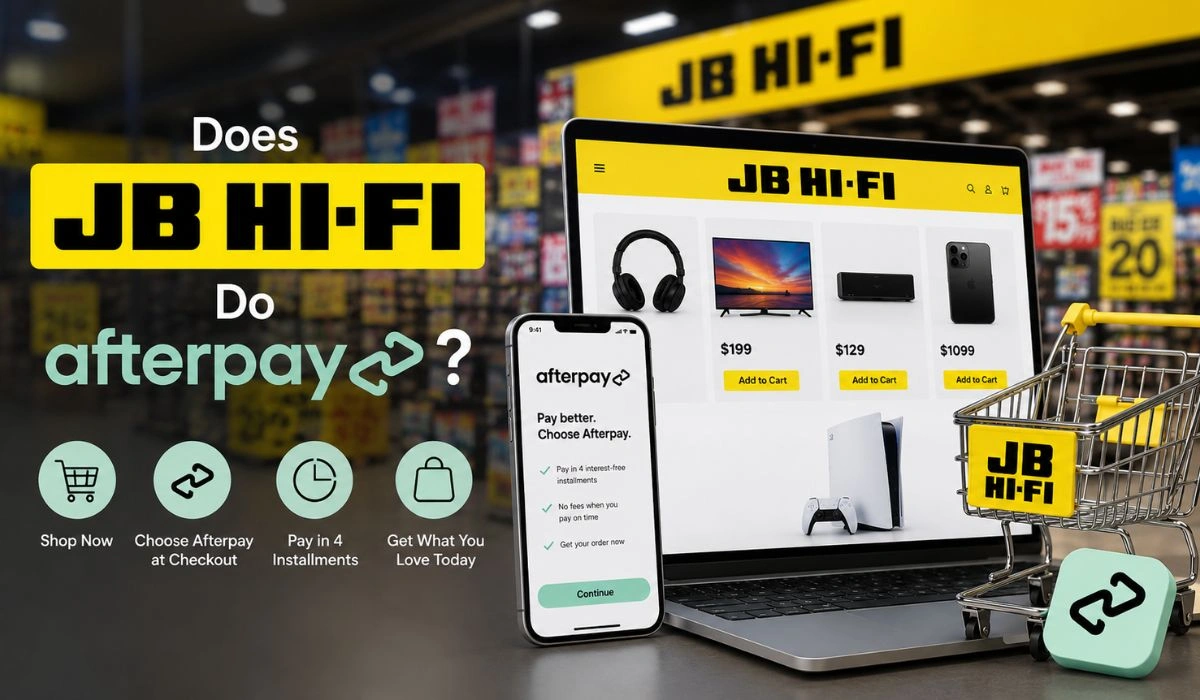
Yes, JB Hi-Fi does Afterpay for eligible purchases in Australia. You can use it online when Afterpay appears at checkout, and you may also use it in-store through the Afterpay Card in Apple Pay or Google Pay. Just remember, approval still depends on your Afterpay limit, cart total, and product type.
JB Hi-Fi is one of those stores where your cart can jump from “just looking” to “okay, this is expensive” pretty fast. You may go in for headphones and end up checking out speakers, a phone case, a game, a laptop bag, or even a new TV. It happens.
That’s why many shoppers want to know if JB Hi-Fi accepts Afterpay. Paying the full amount upfront can feel heavy, especially with tech products. Afterpay can help split the cost into smaller payments, but it does not work like magic for every order.
In this blog post, we’ll go through how Afterpay works at JB Hi-Fi, how to use it online and in-store, whether it works for Click & Collect, why it may not show at checkout, and what to check before using it for expensive electronics.
How to Use Afterpay at JB Hi-Fi
Using Afterpay at JB Hi-Fi is usually simple, but the online and in-store process is not exactly the same. Online, you pick Afterpay during checkout. In-store, you’ll normally need the Afterpay Card ready in your phone wallet.
Use Afterpay Online
If you’re shopping on the JB Hi-Fi website, Afterpay should appear on the payment page when your order is eligible. Don’t look for it too early. It usually shows around the payment step, after your cart and delivery details are sorted.
- Add your JB Hi-Fi items to the cart.
- Go to the checkout page.
- Choose delivery or Click & Collect.
- Select Afterpay as the payment method if it appears.
- Log in to your Afterpay account.
- Review the 4-payment schedule.
- Confirm your order.
If Afterpay does not show on the payment screen, your order may not qualify. It could be the item, the order amount, your Afterpay account limit, or a checkout rule. Don’t place the order first and expect to switch it later. The payment method needs to be chosen before you confirm the purchase.
Use Afterpay In-Store
In-store Afterpay works a little differently. You don’t just tell the staff, “I want Afterpay” and expect a separate checkout button. Most of the time, you need the Afterpay Card inside Apple Pay or Google Pay.
- Open the Afterpay app.
- Set up or activate the Afterpay Card.
- Add it to Apple Pay or Google Pay.
- Visit your local JB Hi-Fi store.
- At the counter, choose card payment.
- Tap your phone on the payment terminal.
- Confirm payment on your phone if asked.
A small tip here: set it up before you reach the counter. It saves that awkward moment where the staff is waiting, the line is moving, and your phone is still asking you to add the card.
If you haven’t set it up yet, our guide on how to add Afterpay to Apple Wallet walks you through the steps before you shop in-store.
Can You Use Afterpay for JB Hi-Fi Click & Collect?
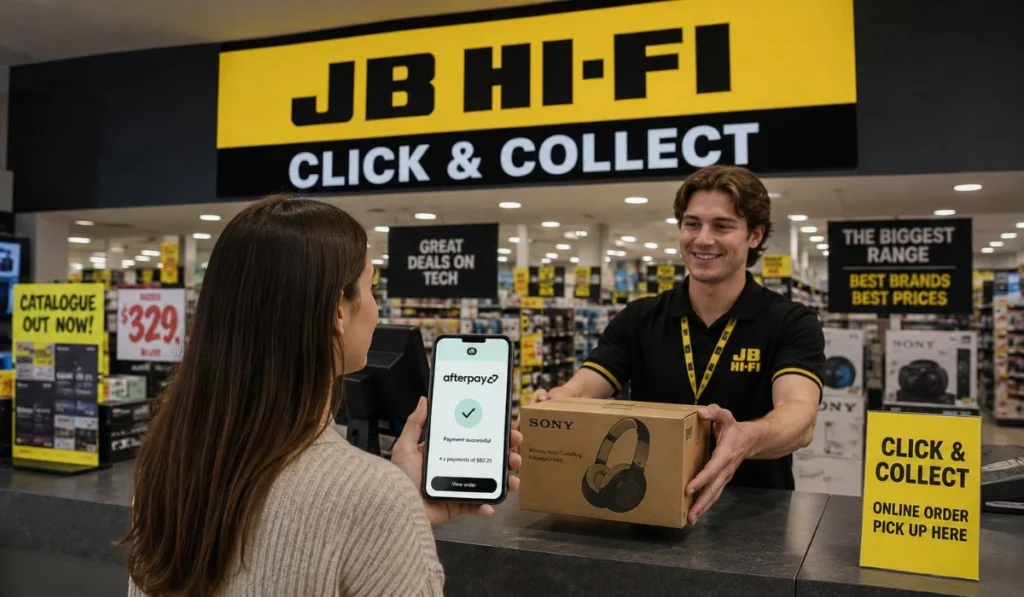
Yes, Afterpay can work for JB Hi-Fi Click & Collect if the order is eligible and Afterpay appears during online checkout. Click & Collect still starts with an online order, so payment is usually processed before you pick up the item.
That means you choose Afterpay online first, then collect the order from your selected JB Hi-Fi store later. You don’t normally walk into the store and change the already-placed order to Afterpay at pickup.
If Afterpay disappears during Click & Collect checkout, check your cart. Sometimes one product can change the payment options. It may also be your order total or your available Afterpay limit. Bit annoying, but with electronics, that happens more often than people expect.
JB Hi-Fi Afterpay Limits and Requirements
Afterpay approval is not only about whether JB Hi-Fi accepts it. Your own account matters too. Afterpay looks at things like your available spending limit, repayment history, linked payment card, and the total amount of the order.
JB Hi-Fi is also a tech retailer, so many products are not small purchases. A laptop, TV, console, tablet, or phone can easily exceed what your Afterpay account is approved for.
| Afterpay Detail | What It Means |
|---|---|
| Payment style | Usually Pay in 4 |
| First payment | Often paid upfront |
| Later payments | Usually every 2 weeks |
| Approval | Depends on your Afterpay account |
| Order total | Must fit your available limit |
| Online use | Works when Afterpay appears at checkout |
| In-store use | May need Afterpay Card in Apple Pay or Google Pay |
| Click & Collect | Can work through online checkout if eligible |
If your account is new, your limit may be lower. If you have missed payments before, Afterpay may also be more careful with approvals. That’s not a JB Hi-Fi issue. That’s just how Afterpay handles risk.
What Can You Buy With Afterpay at JB Hi-Fi?
Afterpay can be used for many eligible JB Hi-Fi products. It’s especially useful for planned tech purchases where paying everything at once feels a bit too much.
Common items shoppers may use Afterpay for include:
- Headphones
- Speakers
- Gaming accessories
- Video games
- Phone cases
- Smartwatches
- Tablets
- Laptops
- TVs
- Small appliances
But don’t assume every product will work. Gift cards, pre-orders, digital products, subscriptions, protection plans, or some special-order items may have different payment rules.
The easiest test is simple. Add the item to your cart and go to checkout. If Afterpay appears, your order may be eligible. If Afterpay disappears after you add one specific item, that item may be the reason.
Why Afterpay May Not Show at JB Hi-Fi Checkout
Afterpay not showing does not always mean JB Hi-Fi removed it. A lot of the time, something in your order or account is blocking it.
Here are the common reasons:
- Your cart is too expensive. Tech products can push the total above your Afterpay limit pretty quickly.
- Your Afterpay limit is too low. Your account may not approve the full order, even if JB Hi-Fi accepts Afterpay.
- The item may not qualify. Some gift cards, digital items, pre-orders, subscriptions, or add-ons may have different rules.
- Your linked payment card has an issue. If your debit or credit card is expired, locked, or low on funds, the payment can fail.
- Your Afterpay account needs attention. Missed payments or unpaid balances can stop new purchases.
- The checkout option may not support it. Some delivery, pickup, or product combinations may show different payment options.
Before getting frustrated, try removing one item from your cart, checking your Afterpay app, or lowering the total. Sometimes that fixes it.
JB Hi-Fi Payment Options Compared
If Afterpay is not working, you may still have other ways to pay. The exact options can vary by checkout page, store, and country, so always check what JB Hi-Fi shows before confirming the order.
| Payment Option | Best For |
|---|---|
| Afterpay | Splitting eligible purchases into smaller payments |
| Zip | Another buy now, pay later option where available |
| PayPal | Online checkout where supported |
| Credit card | Fast checkout and payment flexibility |
| Debit card | Paying with money already in your account |
| Gift card | Using prepaid JB Hi-Fi balance |
A debit card is usually the cleanest option if you already have the money. Credit cards can help with fast checkout, but interest can become a problem if you don’t pay the balance. BNPL is useful, but only when the purchase was already planned.
Tips Before Using Afterpay at JB Hi-Fi
Before using Afterpay at JB Hi-Fi, take a minute and check the small stuff. With tech purchases, small add-ons can change the total faster than you think.
- Check the final total first. Look at the full amount after delivery, accessories, warranties, or any extras.
- Check your Afterpay limit before checkout. Don’t guess. Open the app and see what you can actually spend.
- Be careful with expensive electronics. A $1,200 laptop split into payments is still a $1,200 laptop.
- Set up the Afterpay Card before shopping in-store. Add it to Apple Pay or Google Pay before you reach the register.
- Think twice before adding extras. Cases, cables, warranties, and accessories can push the order higher.
- Use a debit card if possible. Paying Afterpay with a credit card can become debt sitting on top of debt.
- Set payment reminders. The first payment is easy to remember. The second and third ones? Not always.
- Avoid impulse tech buys. If the only reason the item feels affordable is because the payment is split, pause for a bit.
Afterpay is not a discount. It just spreads the cost into smaller pieces. That can help with a planned purchase, but it won’t make an expensive item cheaper.
Final Thoughts
Yes, JB Hi-Fi does offer Afterpay for eligible purchases, mainly when it appears at checkout or works through the Afterpay Card in-store. Online, choose Afterpay before you place the order. In-store, make sure the Afterpay Card is ready in Apple Pay or Google Pay.
Just be careful with tech purchases. They can get expensive fast, and splitting the payment does not lower the real price. Check your final total, your Afterpay limit, and your repayment dates before you confirm.
Have you used Afterpay at JB Hi-Fi online or in-store? Comment what you bought and whether Afterpay showed up at checkout.